

Cricut Hub
How to Convert PNG to SVG for Cricut (Free Online Tool)
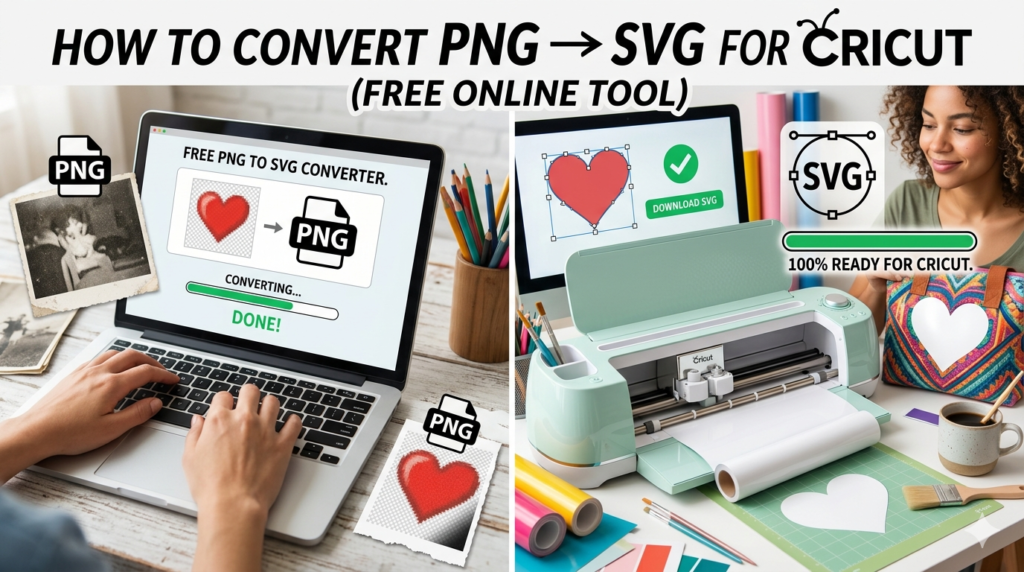
If you use a cutting machine like the Cricut Maker or Cricut Explore Air 2, you already know that SVG files work best for cutting designs.
But what happens when you only have a PNG image?
The good news is that you can easily convert PNG images into SVG files using our free Cricut file converter tool.
👉 Try the free converter here:
https://cutfilesacademy.com/cricut-file-converter/
This tool was designed specifically for crafters who want to quickly convert images into files compatible with Cricut Design Space.
Why SVG Files Are Better for Cricut
SVG files are vector files, which means they can be resized without losing quality.
Benefits of SVG files:
- Perfect for vinyl cutting
- Clean cutting lines
- Scalable without blur
- Compatible with Cricut and Silhouette machines
PNG images, on the other hand, are raster images, which means they contain pixels and can become blurry when resized.
That’s why converting PNG to SVG is essential for many Cricut projects.
How to Convert PNG to SVG
Follow these simple steps:
- Go to our Cricut File Converter Tool
- Upload your PNG image
- Select PNG → SVG Converter
- Click Convert File
Your SVG file will download instantly and be ready to upload into Cricut Design Space.
Tips for Better PNG to SVG Conversion
For the best results:
✔ Use high-contrast images
✔ Avoid photos with many colors
✔ Use logos, silhouettes, or icons
These types of images convert much better into clean vector paths.
Free Cricut Tools for Crafters
Our converter tool also includes several useful features:
- PNG → SVG converter
- SVG → PNG converter
- SVG → DXF converter
- SVG optimizer
- Cricut SVG preview
👉 Use the free Cricut file converter here:
https://cutfilesacademy.com/cricut-file-converter/
Final Thoughts
Converting PNG files into SVG format allows you to unlock the full potential of your Cricut machine.
With the right tools, you can transform almost any design into a cut-ready file.
Try our free Cricut converter tool today and start creating professional-quality designs in minutes.