
Cricut Hub
Best SVG Settings for Cricut (Perfect Cut Results)
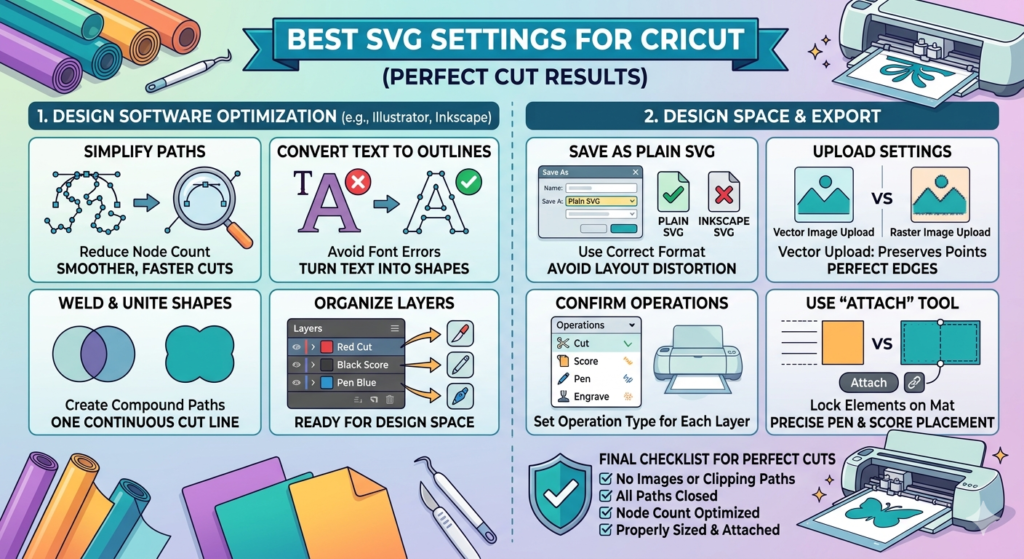
Why Settings Matter
SVG conversion settings control:
- Line smoothness
- Shape clarity
- Cutting precision
Wrong settings can create jagged edges or messy cuts.
Recommended Settings
Simple Designs
Use:
Colors: 2
Detail: Low
Smoothing: High
Perfect for:
- Quotes
- Text
- Simple logos
Medium Complexity Designs
Use:
Colors: 3–5
Detail: Medium
Smoothing: Medium
Perfect for:
- Icons
- Shapes
- Basic graphics
Detailed Artwork
Use:
Colors: 6–10
Detail: High
Smoothing: Low
Best for:
- Illustrations
- Artwork
- Decorative designs
Pro Tip
Always preview your SVG before downloading.
If lines look rough:
👉 Increase smoothing
👉 Reduce detail slightly