Cricut Hub
The Best Free Cricut File Converter for SVG, PNG and DXF
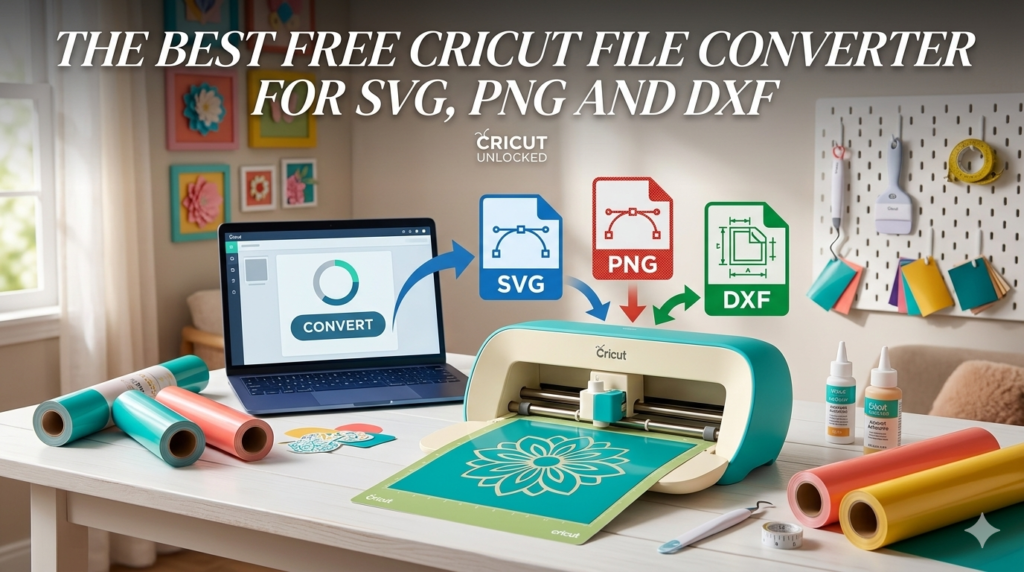
If you work with cutting machines like the Cricut Maker 3 or Silhouette Cameo 4, you probably deal with several file types when creating designs.
The most common ones include:
- SVG
- PNG
- DXF
- JPEG
Sometimes you need to convert one format into another before importing it into Cricut Design Space or Silhouette Studio.
That’s why we created a free Cricut File Converter tool.
👉 Access the free converter here:
https://cutfilesacademy.com/cricut-file-converter/
What Can This Cricut Converter Do?
Our tool was designed specifically for Cricut crafters and SVG designers.
Features include:
PNG → SVG Converter
Convert raster images into vector files that Cricut can cut cleanly.
SVG → PNG Converter
Export your SVG designs into PNG images for previews or product listings.
SVG → DXF Converter
Generate DXF files for compatibility with certain cutting machines.
SVG Size Optimizer
Reduce SVG file size and clean the code.
Cricut Grid Preview
Preview your SVG design on a grid similar to the layout inside Cricut Design Space.
Why This Tool Is Useful for Cricut Sellers
If you sell SVG designs online, converting and optimizing files is part of the workflow.
Many sellers on platforms like Etsy regularly convert designs into different formats.
Using the right converter allows you to:
- prepare designs faster
- create multiple file formats
- ensure compatibility with cutting machines
Try the Free Cricut File Converter
You can start using the tool instantly here:
👉 https://cutfilesacademy.com/cricut-file-converter/
No installation required.
Just upload your file, choose the conversion type, and download the result.
Conclusion
Whether you’re a Cricut hobbyist or an SVG designer selling digital files, having a reliable file converter is essential.
Our free Cricut File Converter helps you quickly convert and optimize files for your projects.
👉 Use the converter now:
https://cutfilesacademy.com/cricut-file-converter/